qPoll
16 Jun 2016qPoll is a mash-up of modern web technologies. Here are the main ingredients:
- Electron: a framework for creating native, desktop applications using open web technologies (HTML, CSS, and JavaScript). It was made by the folks at GitHub and serves as the engine behind their hackable text editor, Atom.
- AJAX: to communicate between Electron and Node.js. AJAX is responsible for posting poll questions to the server. To help, I used jQuery.
- Socket.io: I wanted to show the poll results in real-time. To do that, the server would need to alert each client every time a new vote has been casted. WebSockets makes that possible.
- Node.js: serves as the backend for qPoll. It receives questions, sends them to clients, processes votes, and broadcasts the results.
This is a screenshot of the Electon app:
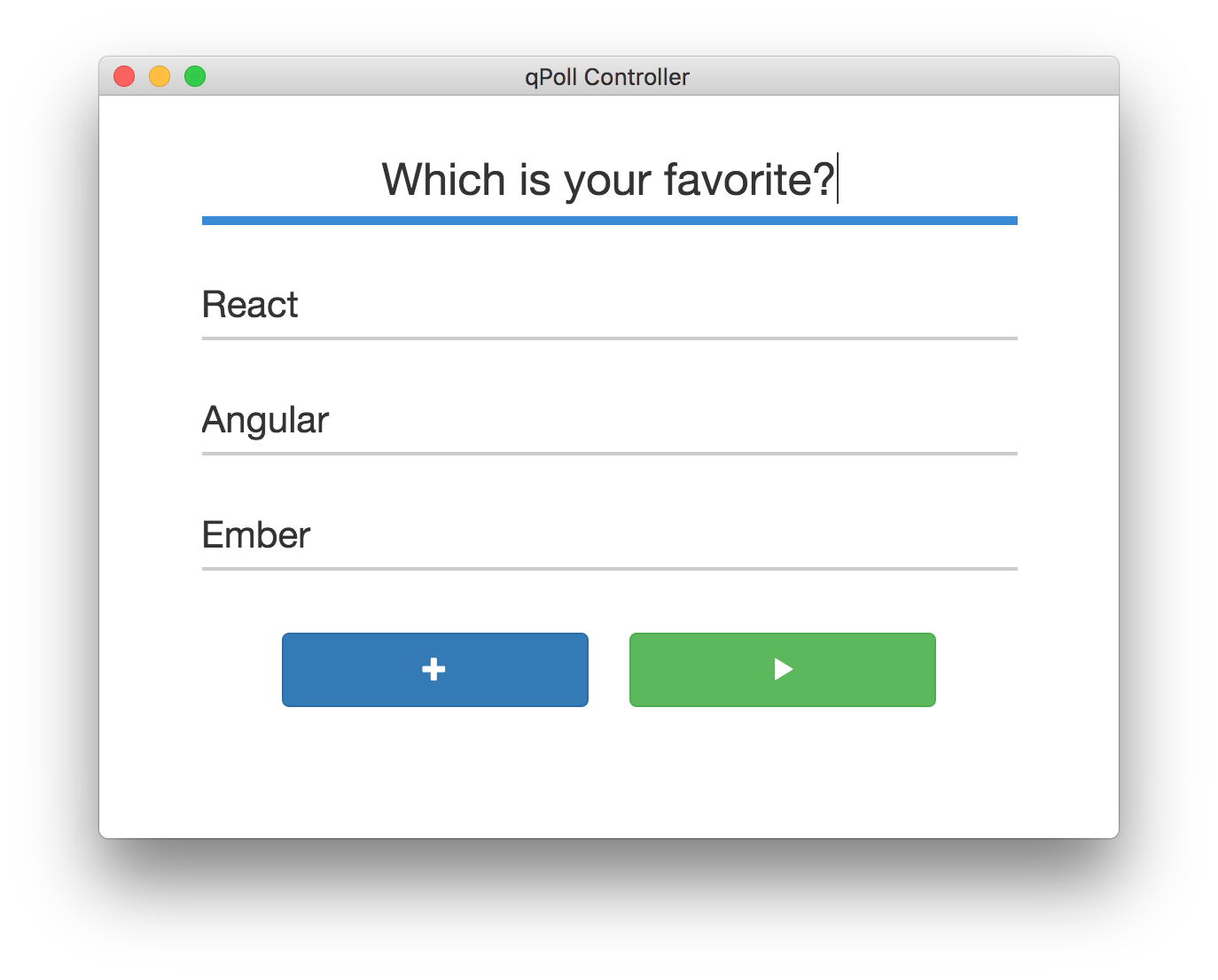
The top field allows you to enter a question. The fields that follow are the answers. You can add additional answers by clicking on the "+" button. To pose the question to your audience, click the "play" button.
And here's a look at the browser-based client:
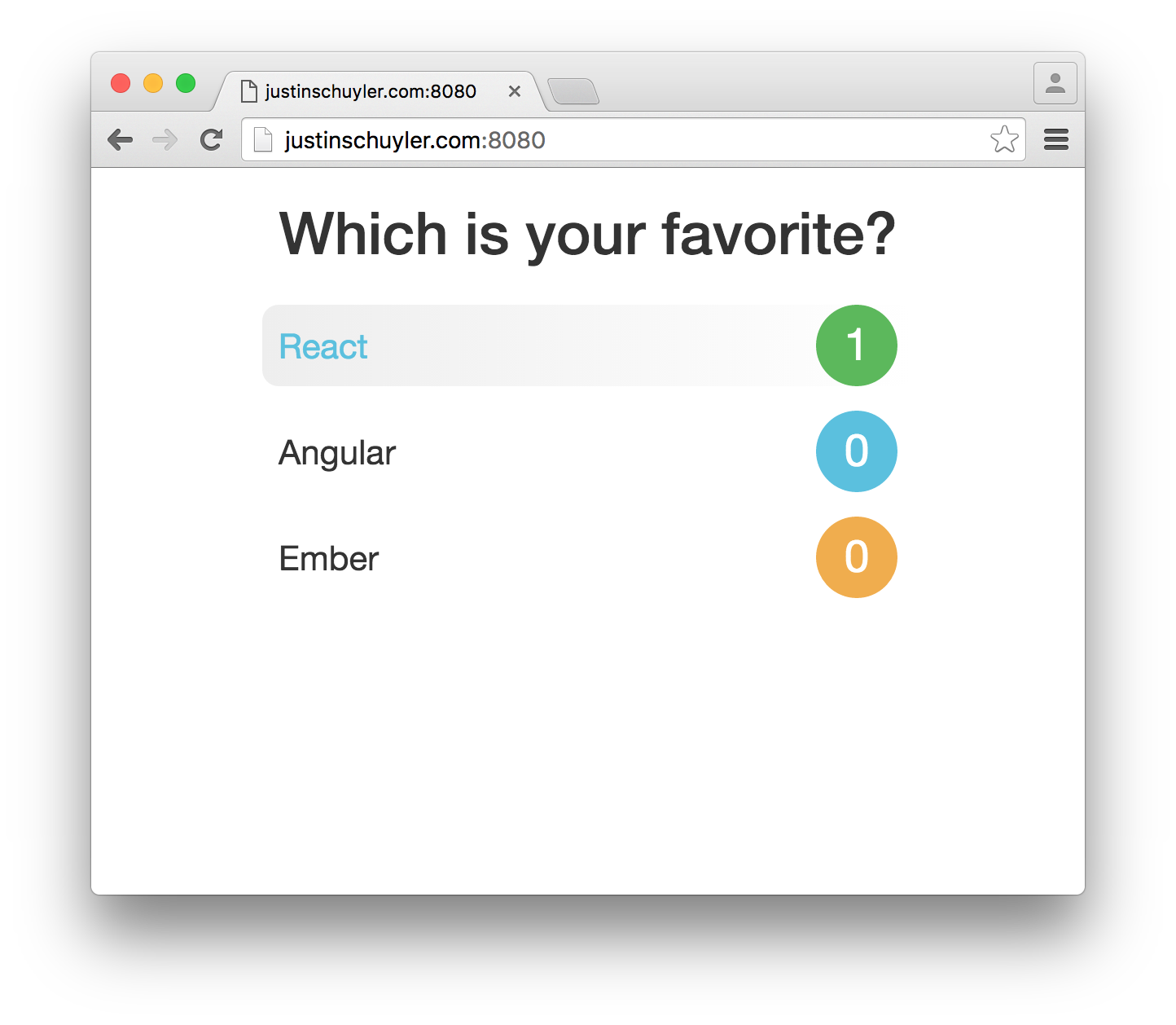
The question and answers are populated as soon as the server receives them. Everything is done in real-time using WebSockets, so the client never needs to be refreshed.
To alternate the answer colors, I used an array, for loop, and the modulo operator:
var colors = ["green", "blue", "orange"];

// This will log "green", "blue", "orange", "green", "blue"
[1, 2, 3, 4, 5].forEach(function(answer, key) {
    console.log(colors[key % colors.length]);
});